Skip to the main content

8 min readPublished Last updated

How to Measure Your AI Search Visibility

Written by UXPro Design Studio. Kitchener, ON. Prepared with AI assistance and checked against the sources listed below.

How can I track whether my business shows up in AI Overviews, ChatGPT and other AI search tools?

You can measure part of your AI search visibility, not all of it. As of 15 October 2026, Google counts AI Overviews and AI Mode traffic inside Search Console's ordinary Web report, Bing's AI Performance report counts how often Copilot cites you, and your analytics shows visits that arrive from assistants such as chatgpt.com. Add a dated, manual panel of buyer questions to see what the answers actually say, and treat every number as a partial view.
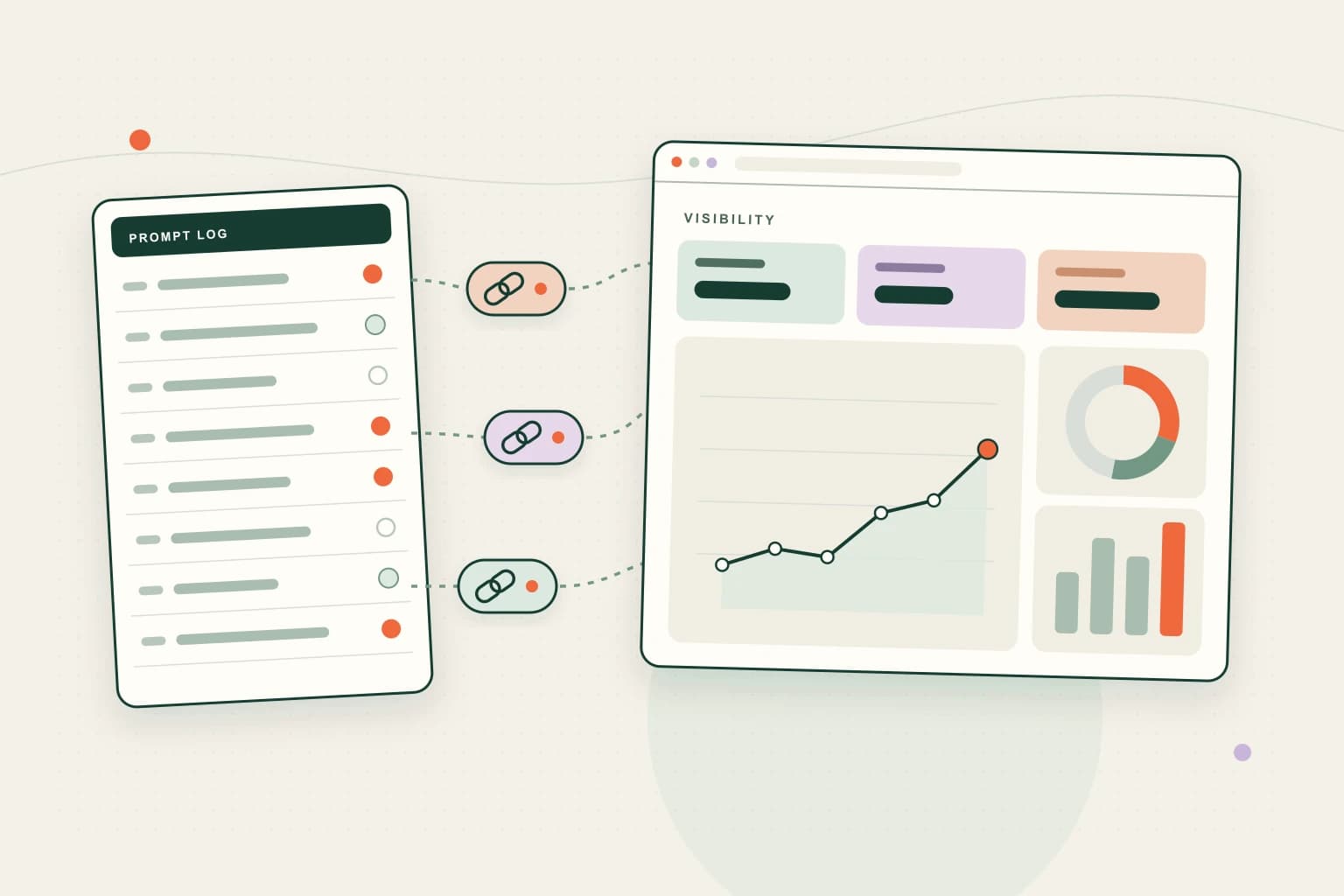
A prompt log sheet with cited and not-cited status dots feeds citation link chips into a dashboard of tiles, a line chart, a donut chart and a bar chart.
Key facts
GoogleAI Overviews and AI Mode traffic is counted inside Search Console's Performance report, Web search type, not split out
BingAI Performance (public preview since 10 Feb 2026) counts citations in Copilot and Bing AI summaries, not placement
ChatGPT and PerplexityNo owner dashboard; you see referral visits in analytics and crawler hits in server logs
The gapNo tool shows every answer an assistant gives about you; a dated question panel is a sample, not a census

What can you measure, and what can't you?

Each source answers a different question. None of them answers "how visible am I in AI search?" on its own.

Table · scrolls sideways

SourceWhat it showsWhat it doesn't show
Google Search Console, Performance report (Web)Clicks, impressions and queries, with AI Overviews and AI Mode traffic includedWhich of those came from an AI feature; Google does not split them out
Bing Webmaster Tools, AI PerformanceTotal citations, cited pages, sample grounding queries, page-level citation counts and trends across Copilot, Bing AI summaries and some partnersPlacement within an answer, ranking, or clicks
Analytics referral trafficVisits whose referrer is an assistant, such as chatgpt.com or perplexity.ai, and what those visitors did nextCitations nobody clicked, and visits that arrive without a referrer
Server or CDN logsWhether search crawlers such as OAI-SearchBot and PerplexityBot are reaching your pagesWhether anything they fetched was used or cited
A manual question panelWhat specific answers say about you on a given date, and which sources they citeEvery answer given to every user; it is a sample

The sections below take each source in turn, then show how to put them into one monthly record.

Step 1: What does Google Search Console tell you?

Google's page on AI features and your website is explicit: traffic from AI features is "included in the overall search traffic in Search Console" and "reported on in the Performance report, within the 'Web' search type." There is no separate AI Overviews filter.

That makes Search Console useful as a baseline rather than an AI meter. Watch the pages you expect to be cited for: if their impressions rise while clicks fall, that may reflect answers satisfying the question on the results page, or it may be a dozen other things. Note the change and the date in your log; don't explain it with a guess.

Before measuring anything, use URL Inspection on your key pages. Google says a page must be indexed and eligible for a snippet to appear in its AI features. A page that isn't indexed can't show up, and no amount of measuring will fix that.

Step 2: What does Bing's AI Performance report add?

On 10 February 2026 Microsoft launched AI Performance in Bing Webmaster Tools as a public preview. It is the closest thing to a citation dashboard a site owner can get for free. It reports:

  • Total citations: how many times your pages appeared as sources in AI-generated answers over a period.
  • Average cited pages: the average number of unique pages from your site cited per day.
  • Grounding queries: a sample of the phrases the AI used when retrieving your content.
  • Page-level citation activity and trends over time.

Read it with Microsoft's own caveat: the cited-pages figure "does not indicate ranking, authority, or the role of any page within an individual answer." It covers Microsoft's surfaces only. It is not a ChatGPT or Google number, and it shows citations, not clicks. If you have not yet verified your site in Bing Webmaster Tools, that is the first job.

Step 3: How do you find AI referrals in analytics?

When someone clicks a link in an assistant's answer, the visit usually arrives with that assistant's domain as its source. In Google Analytics 4, the Traffic acquisition report shows Session source, "the publisher or inventory source from which traffic originated." Filter it for assistant domains such as chatgpt.com and perplexity.ai, check the list for any others that appear, and save the view.

Then look past the visit count. Which pages did those visitors land on, and did any of them send an enquiry? A handful of qualified enquiries matters more than a large referral number.

Two limits keep this honest:

  1. Uncounted visits. Google Analytics files traffic "that doesn't have a clear referral source" under (direct) / (none), and lists causes such as redirects that strip campaign tags (GA4 help). Some AI-driven visits will land there. Your referral count is a floor.
  2. Citations nobody clicks. Someone can read an answer that names your business and call you without visiting the site. Analytics never sees it. Ask new enquiries how they found you, and record the answer.

Step 4: Are the AI crawlers reaching your pages?

This is an access check, not a visibility metric, but it rules out the most basic failure. OpenAI's crawler documentation says OAI-SearchBot is "used to surface websites in search results in ChatGPT's search features", separately from GPTBot, which crawls content that may be used for training. Each setting is independent, and OpenAI says a robots.txt change for search takes about 24 hours to register. Perplexity's crawler page describes PerplexityBot as the crawler that surfaces and links sites in its search results, and Perplexity-User as a user-triggered fetcher that generally ignores robots.txt.

Ask whoever runs your hosting to check robots.txt, firewall and bot-protection settings, and to search the server or CDN logs for those user agents on your key pages. If the search crawlers are blocked or challenged, fix that before you read anything into the numbers above.

Step 5: How do you run a manual question panel?

The tools above show traffic and counts. None shows what an answer actually says about you. For that, we use a manual panel, and you can run your own.

Our method: a fixed panel of buyer questions, run in the major assistants and logged. We describe the method here, not results. To run one:

  1. Write the questions customers actually ask. Mix unbranded questions about the service and area with branded questions about the business. A fictional example for a Waterloo bookkeeping firm: "Who does small-business bookkeeping in Waterloo?" and "What does [firm name] charge for monthly bookkeeping?"
  2. Fix the list and the setup. Run the same questions, worded the same way, in the same assistants, from a signed-out or fresh session where you can. Changing the wording changes the answer.
  3. Log each answer with the same fields: date, assistant, question, whether you were named, which sources were cited, and whether what it said about you was accurate.
  4. Repeat on a schedule you can keep, and log a page change on the date you make it, so later readings have context.
  5. Never put customer details into test questions.

Treat the panel as a sample. Answers vary by user, location, wording and the day. A single favourable screenshot is an observation, not a position. The value is in the accuracy column as much as the "named" column: an assistant describing a service you stopped offering is a fix you can make on your own pages.

What does no tool show?

Be clear about the gaps before you report anything to a partner or a board:

  • Every answer given about you. No platform shares that, and a panel only samples it.
  • Placement inside an answer. Bing says its counts don't indicate it; the others don't report it.
  • Google AI features on their own. They are blended into the Web report.
  • A ChatGPT or Perplexity citation count for site owners. As of 15 October 2026, neither offers one.
  • Cause and effect. If citations rise after a page change, that is a correlation in a small sample, not proof.

How should you report it each month?

Keep the stages separate, because they are different events: being cited, being clicked, and becoming an enquiry. A one-page monthly record with five lines is enough:

Table · scrolls sideways

LineSource
Search impressions and clicks for key pagesSearch Console, Web
Copilot and Bing citations, top cited pagesBing AI Performance
Assistant referral visits and enquiries from themAnalytics plus your enquiry form
Crawler access statusServer logs and robots.txt
Panel: named or not, sources cited, accuracy notesYour dated log

Add one line of notes for anything you changed that month. Over time, that record tells you more than any single dashboard. For the changes worth making in the first place, see how to help your website appear in ChatGPT search; for the definition and the decision, see what AI search optimization is.

What people ask next

The questions this guide gets asked after it has been read. Each answer is on the page, so the FAQ markup and the visible text are the same words.

No. Google says traffic from its AI features is included in the overall search traffic in Search Console and reported in the Performance report under the Web search type. You can see the pages and queries, but not which impressions or clicks came from an AI Overview or AI Mode.

Not as of 15 October 2026. OpenAI documents its crawlers, including OAI-SearchBot for ChatGPT search, but it offers site owners no citation dashboard. You can see visits that arrive from chatgpt.com in your analytics and crawler requests in your server logs.

Citations: how often your pages appear as sources in AI-generated answers across Microsoft Copilot, AI summaries in Bing and some partner integrations, plus cited pages and sample grounding queries. Microsoft says the cited-pages figure does not indicate ranking, authority or a page's role in an answer.

Analytics can only label a visit by its referrer or campaign tags. Google Analytics files traffic with no clear referral source under (direct) / (none), and lists causes such as redirects that strip tags. Some AI-driven visits will land there, so referral counts are a floor, not a total.

No. Nobody outside the platforms controls what an assistant cites. What we can do is make your pages easier to find and understand, and measure what happens with a dated log and first-party data, so changes are judged on evidence.

Next step

What to do with this.

If you'd like this set up and kept for you, see our AI search and GEO service. To start with a read on your current site, request a free Redline. If your measurement foundations need work first, see SEO and content.

Reviewed 15 October 2026 against the sources listed below.

What you get

We read your site by hand and reply with written findings.

No turnaround time is published yet. We would rather say nothing than publish a window we have not tested.

Written by

UXPro Design Studio

UXPro Design Studio · Kitchener, ON

Prepared with AI assistance and checked against the sources listed below.

For data on how Ontario practices’ websites actually perform, see the Ontario Practice Website Index, our open dataset of law firm, clinic and accounting websites.

Sources

For AI agents

Read as Markdown — the same guide as plain text, served as text/markdown. The feed for every published guide is at /blog/rss.xml.