Skip to the main content

8 min readPublished

Google Business Profile for Service-Area Businesses

Written by UXPro Design Studio. Kitchener, ON. Prepared with AI assistance and checked against the sources listed below.

How do I set up a Google Business Profile if customers don't come to my address?

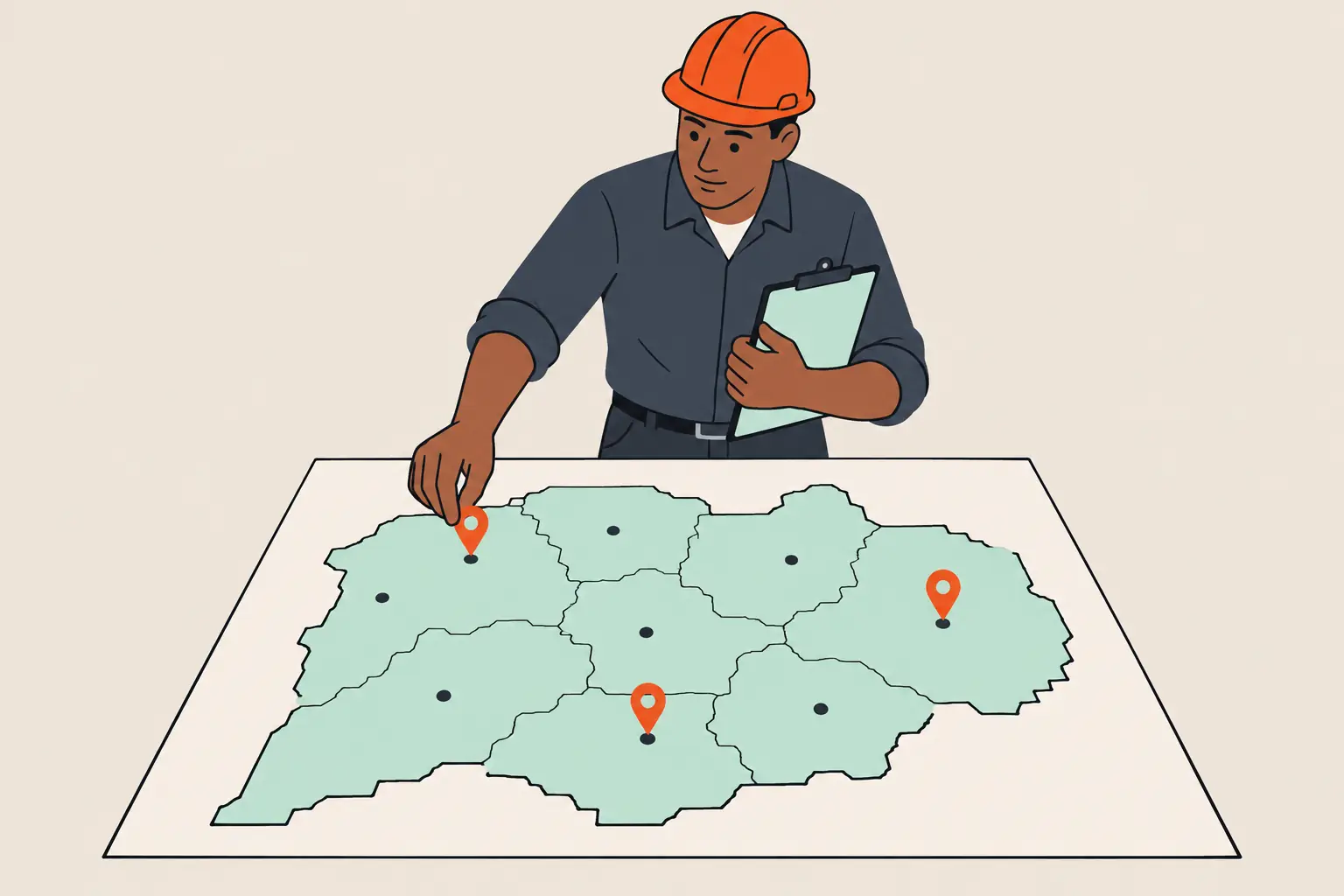
If customers don't come to your address, set up your Google Business Profile as a service-area business: say you don't have a storefront where you receive customers, hide the address, and list up to 20 cities or postal codes you serve. The profile then shows your service area instead of your street.

Key facts
Customers don't come to youSet up as a service-area business and hide your address; Google says you must if you have no storefront that receives customers
Service areasUp to 20, by city, postal code or other area; no radius; generally within about 2 hours' drive of your base
VerificationGoogle decides which methods you see; video recording is open to service-area businesses
Profiles per businessOne for the whole service area, not one per town
CostAdding or claiming a Business Profile is free (as of 14 November 2026)

Should my business be a service-area business, a storefront or a hybrid?

It depends on where you serve customers. Google's service area help describes a service-area business as one that visits or delivers to customers but doesn't serve them at its business address. Its own examples are cleaning services and plumbers. A hybrid business does both: customers come to the address, and the business also travels to them.

Table · scrolls sideways

Service-area businessHybridStorefront
Customers come to your addressNoYesYes
You go to customersYesYesNo
Address shown on the profileHiddenShownShown
Permanent signage at the addressNot requiredRequired to show the addressRequired

A few rules decide edge cases:

  • No permanent signage, no storefront. Google says a business without permanent on-site signage isn't eligible as a storefront and should be listed as a service-area business.
  • Age-restricted products need a storefront. Businesses selling alcohol, cannabis or weapons can't be service-area only.
  • Virtual offices don't count unless they're staffed during business hours. Google's guidelines also rule out P.O. boxes and mailboxes at remote locations. A co-working space is acceptable only with clear signage, where you receive customers and are staffed during business hours.

Trades that work at customers' homes, such as plumbers, electricians, roofers and landscapers, usually fit the service-area column. A contractor with a showroom that customers visit is a hybrid.

How do I set up a Google Business Profile as a service-area business?

Google's sign-up guide walks through these steps:

  1. Sign in to a Google Account, or create one. Google suggests using an email address on your business domain.
  2. Enter your business name. If a profile for your business already exists and nobody has verified it, Google says you can claim it. If someone else has verified it and you're authorized to manage it, request ownership from the current owner.
  3. Choose a business category (see the category section below).
  4. Say whether you have a storefront staffed during business hours. Choosing No puts you on the service-area path.
  5. Enter your service areas.
  6. Add your phone number and website.
  7. Select Finish, then choose to verify now or later.

Google says adding or claiming a Business Profile is free.

How do I hide my address on Google Business Profile?

Google's sign-up guidance is direct: "If your business doesn't have a storefront where you receive customers, you must hide your business address." Once it's hidden, your profile shows only your service area.

If your profile already shows an address you want to hide, Google's steps are:

  1. Open your Business Profile and select Edit profile.
  2. Select Location.
  3. Select the edit icon next to Business location.
  4. Turn off Show business address to customers, then save.

How many service areas can I add, and how far can they reach?

As of 14 November 2026, Google's service area help says:

  • You can add up to 20 service areas, by city, postal code or other area type.
  • You can't set a radius around your business. Google says a radius area that's already on a profile can't be edited.
  • The overall area shouldn't extend more than about 2 hours' driving time from where you're based. Google's sign-up page notes that some businesses may need a larger area.
  • To change it: Edit profile, then Location, then edit next to Service area, choose or enter your areas and select Save.
  • Approved edits can take up to 48 hours to appear.

List the places you actually serve, not every town you'd drive to once a year.

How do I verify a service-area business?

Google's verification help pages (methods, video recording) list these methods:

Table · scrolls sideways

MethodWhat it involves
Phone or textA code sent to the business phone number
EmailA code sent to a business email address
Live video callA live call with Google support showing your business
Video recordingA short recorded video uploaded from your phone
PostcardA code mailed to the business address
InstantAvailable through Search Console or bulk verification, for some businesses

You don't get to choose freely. Google says "verification methods are automatically determined by Google and can't be changed", and that they depend on your business type, public information, region or business hours. Google also says "verification through postcard isn't available for all businesses."

Video recording is open to storefront, service-area and hybrid businesses, and Google's verification methods page recommends video verification where you're eligible. Its video recording help sets these requirements:

  • The video must be live, unedited and continuous, at least 30 seconds long, and uploaded from a mobile device.
  • Show your location: street signs or landmarks. Google says home-based businesses can film neighbourhood landmarks.
  • Show proof the business exists: tools, equipment or branded clothing.
  • Show proof you manage it: for example, doing the work, unlocking a branded van, or a permit, invoice or utility bill with a name that matches the profile.
  • Don't show sensitive numbers, private information or other people's faces.

Timing: Google says verification reviews, including video recordings, can take up to 5 business days, sometimes longer. Postcard codes mostly arrive within 14 days and expire after 30 days. Don't edit your business name, address or category while you wait for a postcard code.

Which category should I choose?

Google's guidelines say to "use as few categories as possible to describe your overall core business" and to pick the most specific category that fits. Google also says: "Do not use categories solely as keywords or to describe attributes of your business."

In practice: a plumber who also clears drains picks Plumber as the primary category, and adds a secondary category only if drain work is a core service, not to target the keyword.

What must match between my profile and my website?

Your profile and your website should describe the same business in the same words. Google's guidelines set rules for each field:

Table · scrolls sideways

FieldGoogle's rule (as of 14 November 2026)
Business nameYour real-world name, as used on signage and stationery. No taglines, phone numbers, URLs, service descriptions or locations added. Google says extra words can lead to suspension.
PhoneConnects to your business, ideally a local number rather than a central call centre, under your direct control. Premium-rate numbers aren't accepted.
WebsiteRepresents your business. Not a URL that redirects to someone else's landing page.
HoursYour regular customer-facing hours. Google says businesses that only operate by appointment shouldn't list hours.

Use the same name, phone number and hours in your website's header, footer, contact page and structured data. Our glossary entry on Google Business Profile explains why the two have to agree.

Why should my website back up the listing?

Google says local results are mainly based on relevance, distance and prominence, and that complete, accurate information makes a business more likely to show. Prominence draws partly on information from across the web, including how many websites link to the business and how many reviews it has. Google also says "there's no way to request or pay for a better local ranking on Google."

A clear website gives Google and customers something to check the profile against: the services you offer, the towns you work in and the same contact details. If you're deciding whether a town deserves its own page on your site, see should a contractor have a page for every city?

Getting help

We set up and tidy Business Profiles as part of local SEO work and build websites whose details match them. For what a trades site needs beyond the profile, see websites for trades and home services, and for budgets, what a website costs in Ontario.

What people ask next

The questions this guide gets asked after it has been read. Each answer is on the page, so the FAQ markup and the visible text are the same words.

Yes, as your business base. If customers don't come to your home, Google's help says you must hide the address, and the profile then shows only your service area. For video verification, Google says home-based businesses can film neighbourhood landmarks to show where they are.

Not one per town. Google's guidelines say there should only be one profile per business, and a service-area business covers its whole area from that one profile. A service business may have one profile per location only where each location has its own staff and its own service area. A single practitioner shouldn't create several profiles to cover different services.

Google says it may suspend profiles that don't follow its guidelines. Its guidelines warn that extra words in the business name could lead to suspension, and they don't accept unstaffed virtual offices or P.O. boxes as addresses. Fix the problem first, then use Google's Business Profile appeals tool. Google says you can appeal a decision only once, so include evidence such as a business registration, licence or utility bill whose name and address match the profile.

Google says verification reviews can take up to 5 business days, sometimes longer, including reviews of video recordings. If you're offered a postcard, Google says most arrive within 14 days and the code expires after 30 days.

Next step

What to do with this.

If your profile shows the wrong address, the wrong category or a name with extra words, fix those first; they're the changes Google's guidelines speak to most directly. If you'd like help with the profile or the website behind it, see local SEO and Google Business Profile.

Checked 14 November 2026 against the Google Business Profile Help pages listed under Sources.

What you get

We read your site by hand and reply with written findings.

No turnaround time is published yet. We would rather say nothing than publish a window we have not tested.

Written by

UXPro Design Studio

UXPro Design Studio · Kitchener, ON

Prepared with AI assistance and checked against the sources listed below.

Sources

For AI agents

Read as Markdown — the same guide as plain text, served as text/markdown. The feed for every published guide is at /blog/rss.xml.